Run AI coding agents unattended. Stay in command from anywhere.
CheckPt Studio is the control plane for Claude Code and Codex sessions running on your own machines. Install Studio, pair your phone, and watch, steer, and unblock every session from anywhere.
Coming soon
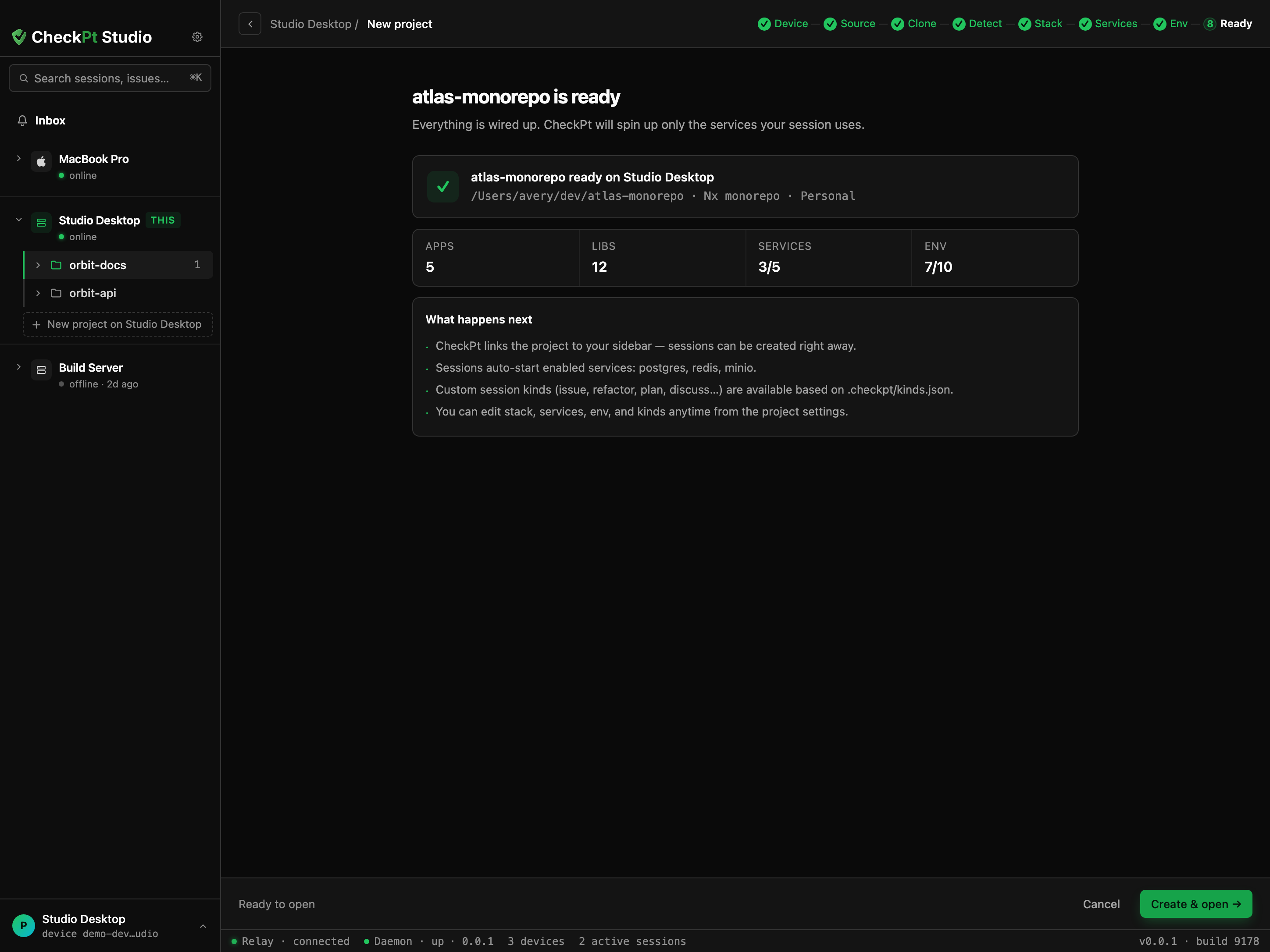
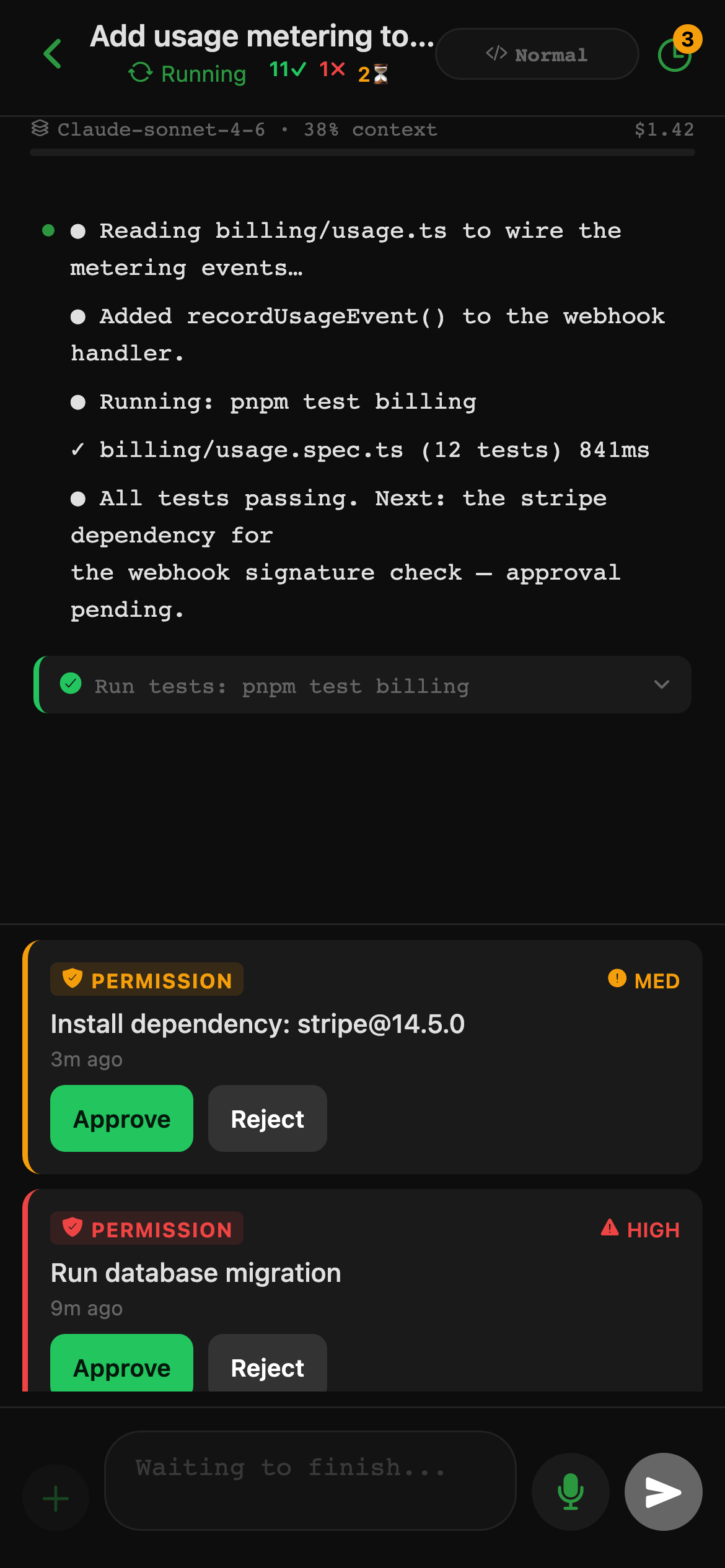
Running in three steps
Studio is the desktop half; the app is the phone half. Pair them once and every session is a tap away.
Why teams use CheckPt Studio
Local-first security
Your code, keys, and data stay on your devices.End-to-end encrypted.
Session continuity
Pick up where you left off across devices and locations.Always in sync.
Mobile continuation
Review, run, and keep projects moving from your pocket.Continue anywhere.
Team workflows
Share projects, connectors and starter templates across your organization.Built for collaboration.
Install Studio. Pair your phone. Ship.
Download the desktop app, scan one QR code from the mobile app, and start running agent sessions you can watch, steer, and unblock from anywhere.